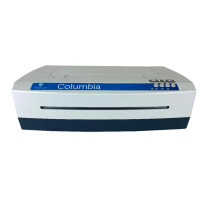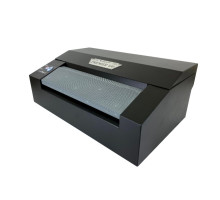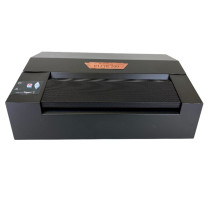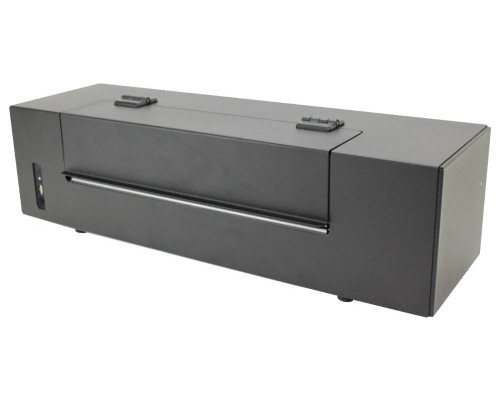
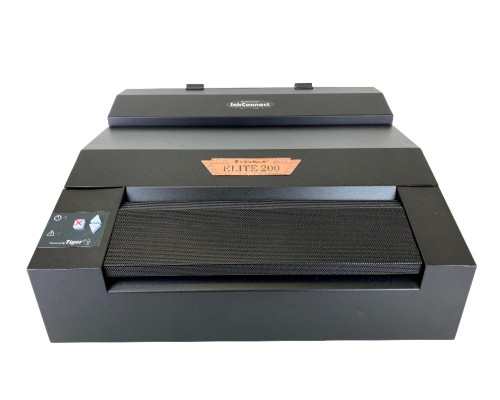
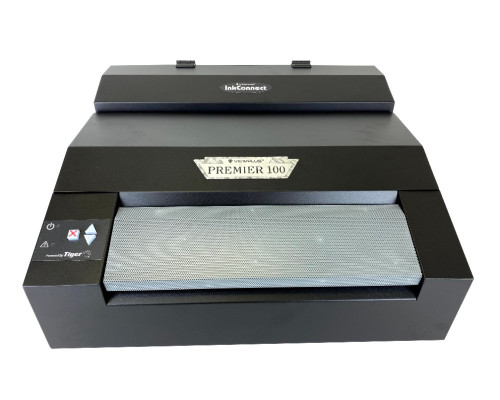
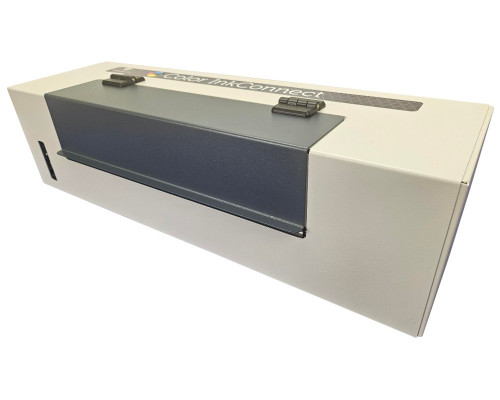
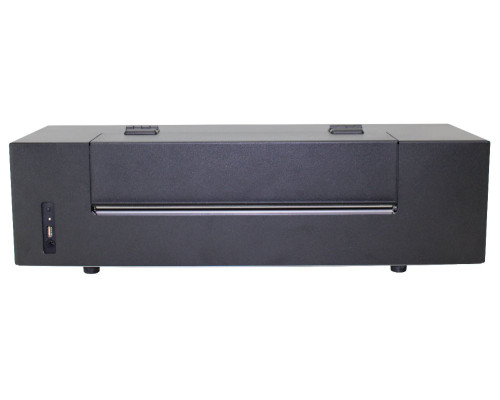
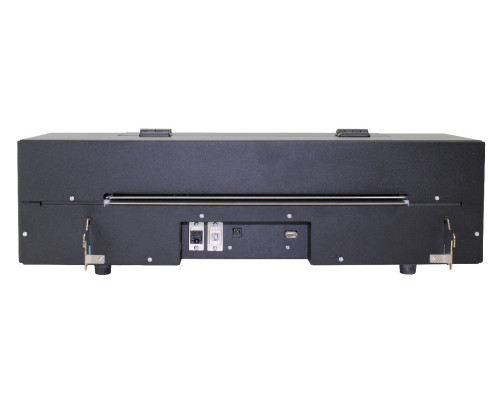
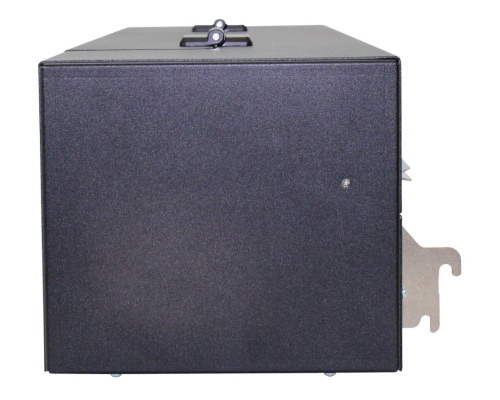
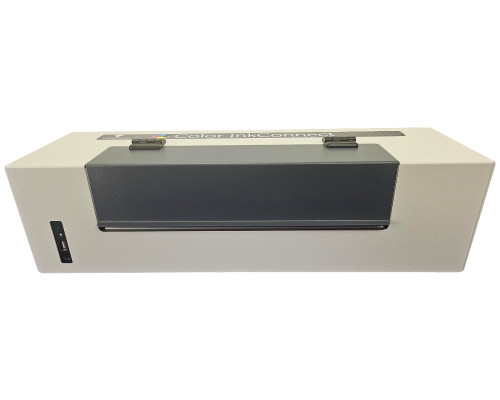
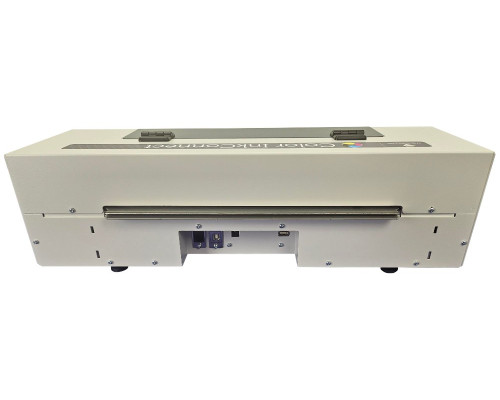
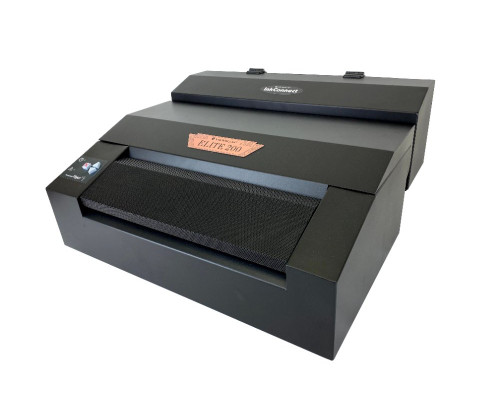


ViewPlus Color InkConnect is an accessory for the ViewPlus Columbia, Premier 100 and Elite 200 braille embossers. It adds colour ink printing, so braille, ordinary text, colours and tactile graphics come out on the same sheet in one pass. A sighted teacher, parent or colleague can then read along in exactly the same document as the braille reader.
What can Color InkConnect do?
- Text and colour on top of the braille: the ink is printed on the same paper that the embosser embosses braille and graphics on.
- Colour graphics that can also be felt: maps, diagrams and figures get both colours and raised lines and areas. With Tiger Software Suite, colours can be turned into different dot heights or patterns.
- No extra work: write the document in Word or Excel, choose Print – and get braille, text and graphics in one go.
- One document for the whole class: blind, partially sighted and sighted pupils work with the same material.
Who is it for?
- Schools and resource centres where blind pupils are taught alongside sighted pupils
- Transcription and material production units that make braille teaching materials and books
- Partially sighted readers and people losing their sight who use both colour and braille
- Workplaces where a blind employee shares documents with colleagues
- Places that already have a Columbia, Premier 100 or Elite 200 and want to upgrade
Specifications
| Type | Colour ink printer connected to the braille embosser (accessory) |
|---|---|
| Compatible with | ViewPlus Columbia, Premier 100 and Elite 200 |
| Technology | HP colour inkjet |
| Resolution | 300 dpi (colour printing) |
| Speed | Up to 110 characters per second – print and braille |
| Paper | Continuous (tractor-feed) braille or office paper, 10–30 cm (4–12 in) wide |
| Paper weight | 75–230 g/m² – from thin computer paper to card stock, photo paper and braille paper |
| Connection | USB through the braille embosser |
| Operating system | Windows (current versions) |
| Software | Microsoft Word, Excel and other Windows programs; Tiger Software Suite |
| Size and weight | Approx. 55 × 16.5 × 20.3 cm (W × H × D), 6.9 kg |
| Item number | VPTT1200-01 |
How to get started
- Do you have a Columbia? Connect the Color InkConnect and install the new printer driver and firmware from ViewPlus – then you can print in colour.
- Do you have a Premier 100 or Elite 200? Write to us with the embosser model and serial number, and we will arrange the upgrade with ViewPlus.
- No embosser yet? Order the Color InkConnect together with a ViewPlus Columbia, Premier 100 or Elite 200.
Color InkConnect, SpotDot or swell paper?
There are three ways to make braille and tactile graphics with colour:
- Color InkConnect – for larger volumes on continuous paper with a Columbia, Premier 100 or Elite 200. Braille, graphics and colour ink come out in the same pass.
- ViewPlus SpotDot – a single embosser that embosses braille and prints colour on cut sheets. Good for smaller volumes.
- Swell paper and the Harpo PIAF – the drawing is printed in colour on swell paper with an ordinary printer, and the black lines rise in the heater. Good for drawings and maps, even without a braille embosser.
Documentation and downloads
- Color InkConnect user manual (PDF)
- Product sheet (PDF)
- Printer driver and firmware from ViewPlus
Read also our article Color InkConnect: colour on braille and tactile graphics.
Frequently asked questions
Can we upgrade our Columbia?
Yes. The Color InkConnect is connected to your Columbia, and you install the new driver and firmware from ViewPlus.
Why are there two prices?
The Color InkConnect for the Premier 100 and Elite 200 costs more than the version for the Columbia. Choose your embosser under "Compatible with" to see the price for your model.
What about ink?
The Color InkConnect uses HP ink cartridges. New cartridges can be ordered from us – write to info@inva.store.
Can the colours be felt?
The ink itself cannot be felt. But the embosser embosses braille and tactile graphics on the same sheet, and with Tiger Software Suite colours can be turned into different dot heights or patterns.
Prices, delivery and invoicing
The price excludes VAT. We sell only to businesses and public institutions. Danish public customers can order with an EAN number and receive an electronic invoice. Delivery in Denmark is free. If you have questions or need a quote, write to info@inva.store.
Specifications
There are no questions about this product.